
Download a Single YouTube Video
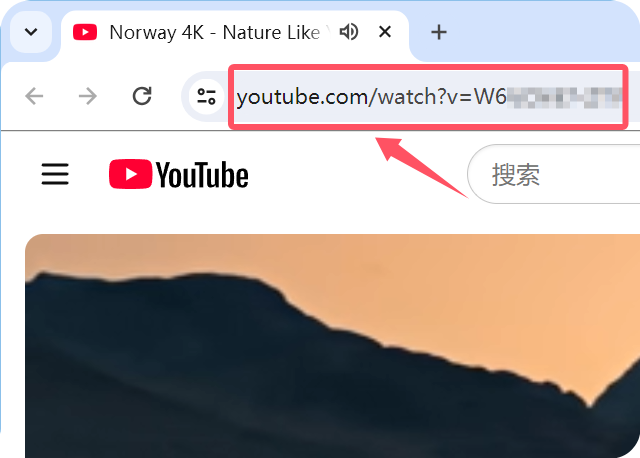
2.1 Copy the video link
Open the YouTube video in your browser and copy its URL from the address bar, or use Share → Copy link. A normal single-video link looks like youtube.com/watch?v=... and usually has no list= in the URL.
2.2 Paste Link
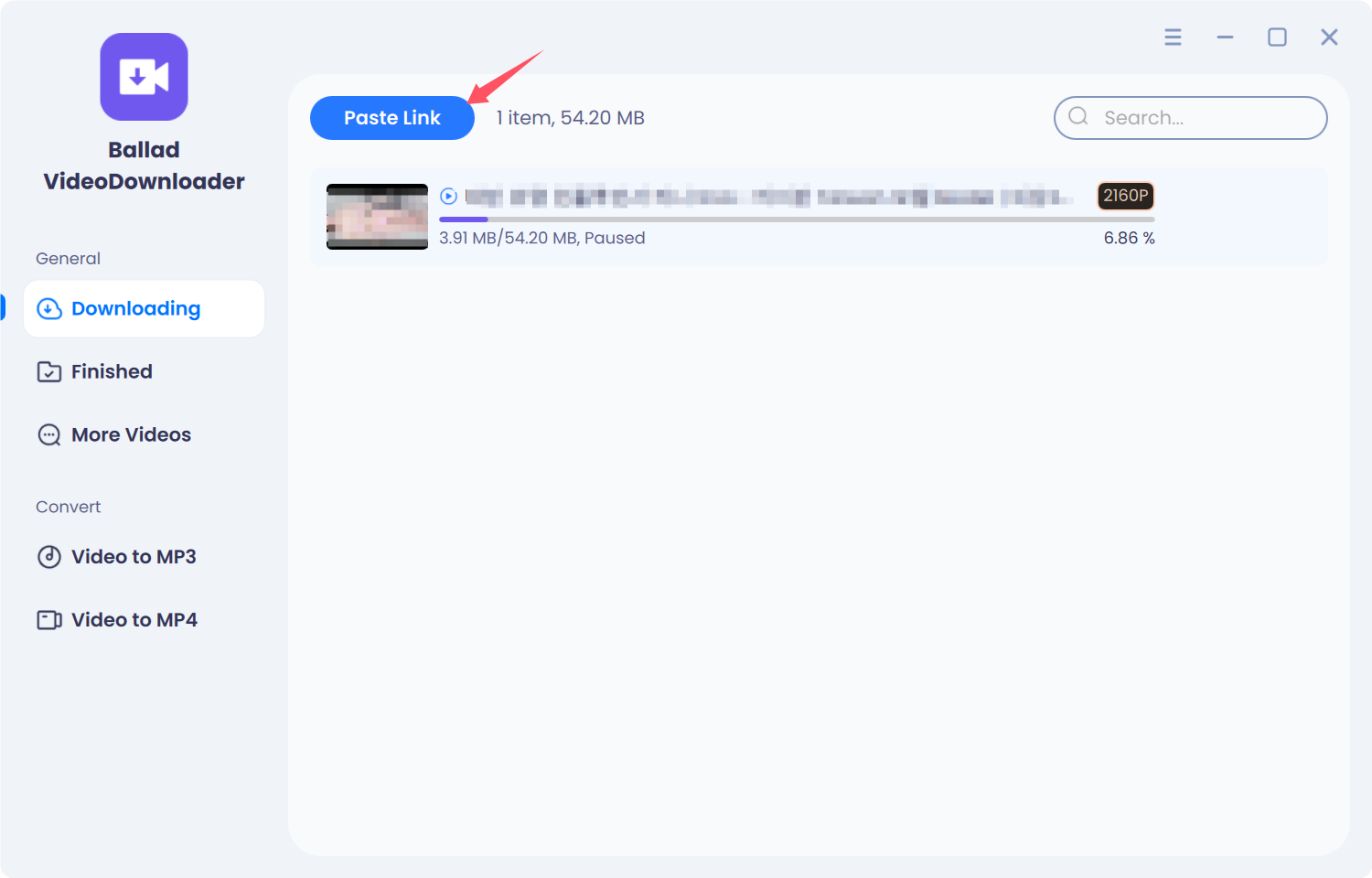
Open Ballad VideoDownloader. In the left sidebar, select Downloading, then click Paste Link. The app reads the URL from the clipboard and starts analysis.
2.3 Choose quality and download
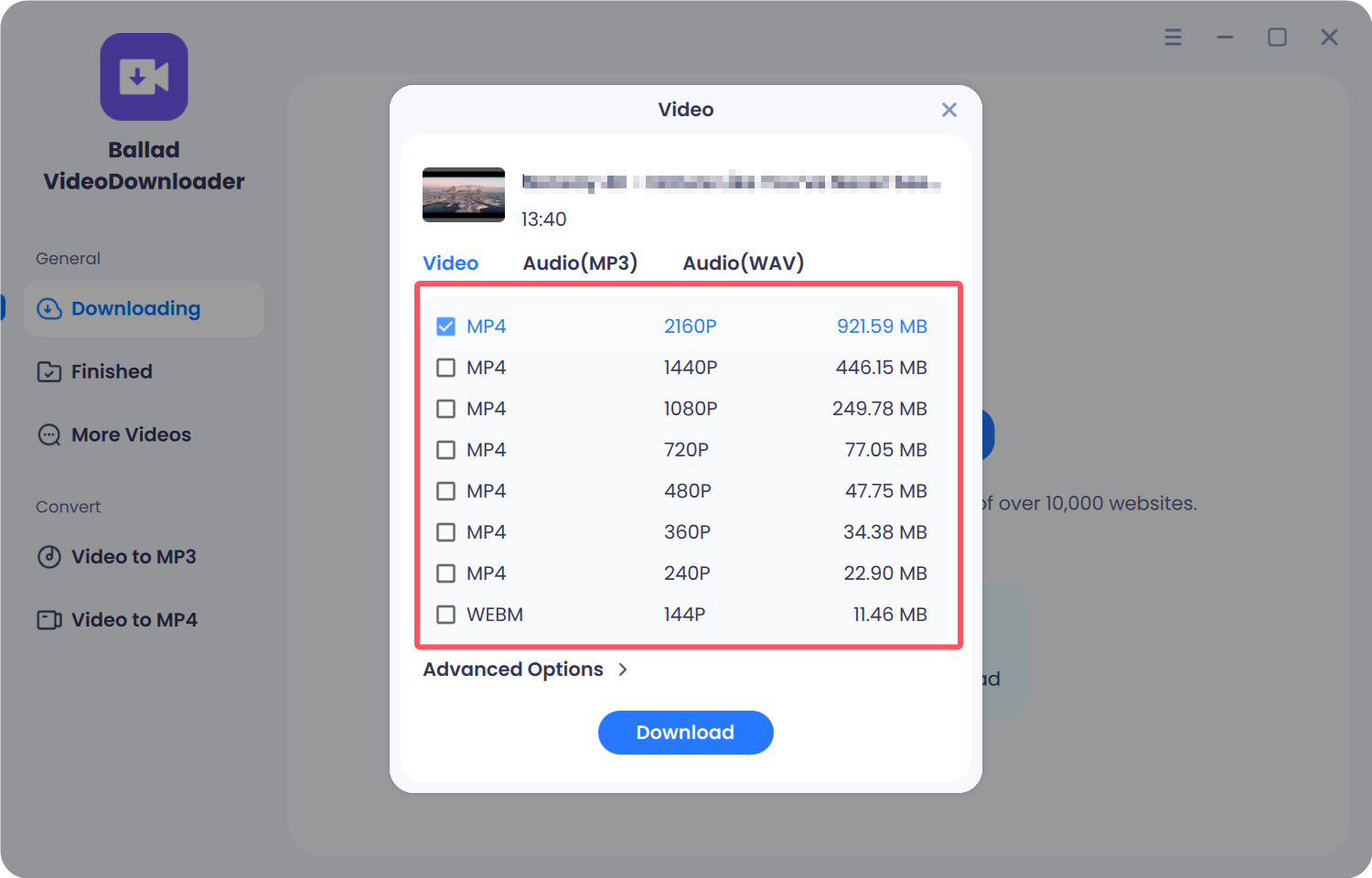
When analysis finishes, choose the video quality you want (for example 1080p or 2160p / 4K when the upload provides it) and the format (for example MP4). Confirm to start the download. When it finishes, open the file from Finished or the output folder.
Tip: If the URL contains list=, the app treats it as a playlist and asks whether to download the whole list or only the first video. See Download YouTube playlists.